Quaternions are the workhorse of rotation in 3D games. They are compact, stable, and they blend smoothly without the gimbal‑lock problems of Euler angles.
This article is a practical guide. We will build intuition, show the exact formulas used in engine code, and focus on the common mistakes that make rotations look wrong.
If you can build a quaternion from axis–angle, multiply in the right order, and pick the right interpolation method, you already have 90% of what you need.
Game objects rotate constantly: cameras track players, characters aim, and animations blend. You need a representation that is stable and easy to compose.
Euler angles are easy to read but they can lock up. Rotation matrices are fast but heavy to interpolate. Quaternions give you the best of both worlds.
Euler angles rotate around three axes. If two axes line up, you lose a degree of freedom. That is gimbal lock.
In games this looks like sudden flips or a camera that cannot roll the way you expect.
Any 3D rotation can be described by a unit axis (x, y, z) and an angle θ around that axis.
Quaternions store this idea in a form that is easy to multiply and interpolate.
q = [w, x, y, z]
w = cos(θ/2)
(x, y, z) = axis * sin(θ/2)For rotations, you always use unit quaternions (length 1). That keeps the rotation stable and makes inverses easy.
Important: q and −q represent the same rotation. That matters for interpolation because you should choose the shortest path on the sphere.
Quaternion multiplication composes rotations. Order matters. If you apply rotation A then B, you compute q_total = qB * qA.
// If q = [w, v] with vector v
w = w1*w2 - dot(v1, v2)
v = w1*v2 + w2*v1 + cross(v1, v2)To rotate a vector v, treat it as a pure quaternion and sandwich it with q and its inverse.
v' = q * [0, v] * q^-1Most engines wrap this in helper methods like RotateVector or TransformDirection.
Slerp moves along the shortest arc on the unit sphere. It gives constant angular velocity and looks best for animation blending.
Nlerp is cheaper and usually good enough for small rotations or camera smoothing.
q = normalize(lerp(q0, q1, t))   // Nlerp
q = slerp(q0, q1, t) // SlerpGraphics pipelines often use matrices. Converting from quaternion to matrix is straightforward, but converting back to Euler can reintroduce gimbal lock.
Physics updates often give angular velocity. You can turn that into a small rotation quaternion and multiply it into your current orientation.
q_delta = [cos(|w|dt/2), axis*sin(|w|dt/2)]
q_next = normalize(q_delta * q_current)Normalize after multiple multiplications
Flip sign if dot(q0, q1) < 0 before interpolation
Be consistent with handedness (left vs right)
Use Euler only for UI and debugging
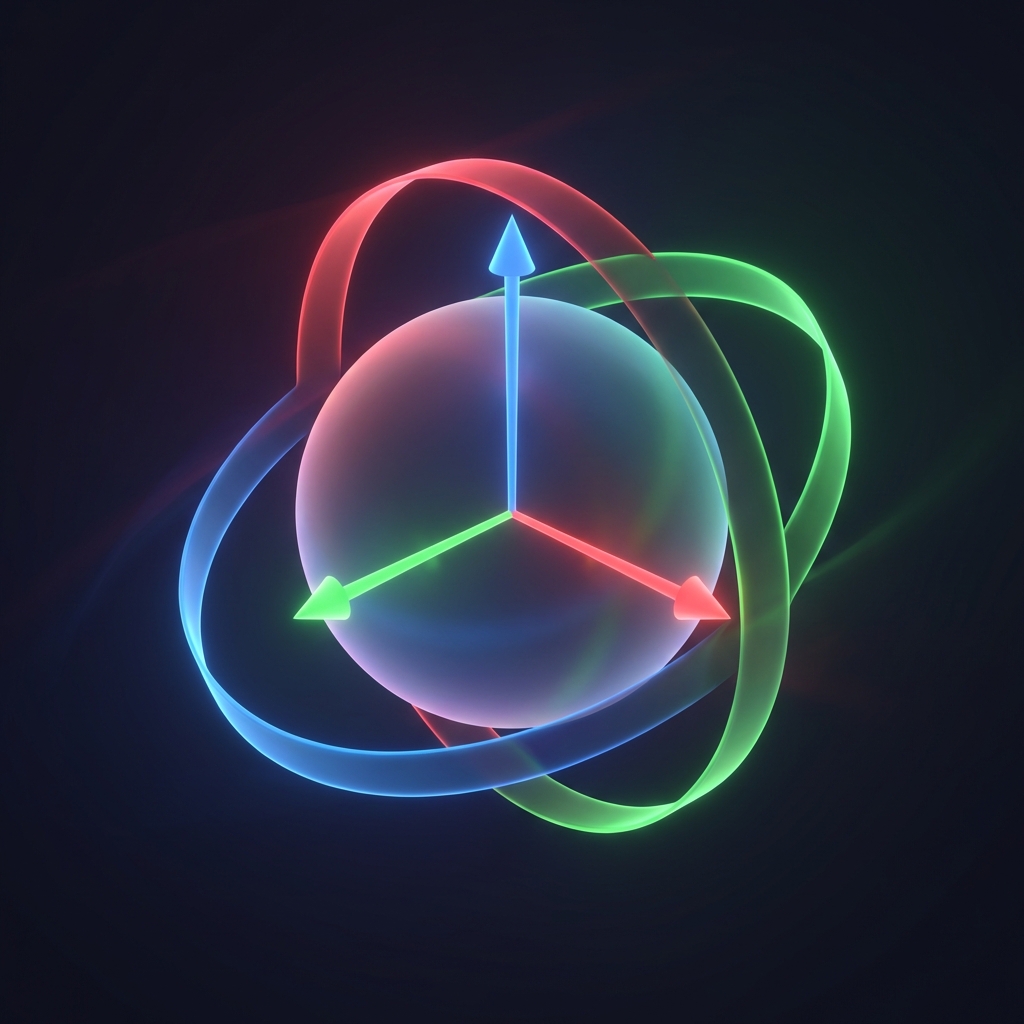
Think of a quaternion as a rotation operator on a sphere. Multiplying combines rotations, and interpolation moves along the sphere.
You do not need to visualize 4D space. You just need to remember: normalize, order matters, and pick the shortest path for interpolation.
Try it
Which statement about quaternion multiplication is true?
Put the quaternion rotation steps in order.
Drag and drop practice coming soon! For now, here are the items to match:
Why do we flip the sign of a quaternion when dot(q0, q1) < 0?
Quaternions are a practical tool, not an abstract math trick. They solve real problems that show up in games: gimbal lock, jittery blends, and unstable camera motion.
If you can build a quaternion from axis–angle, multiply them in the right order, and choose Slerp or Nlerp based on the situation, you already have most of what you need in production code.